

How to take table bookings in a pub
Walk-ins, regulars, Sunday lunch and big groups, in one book.
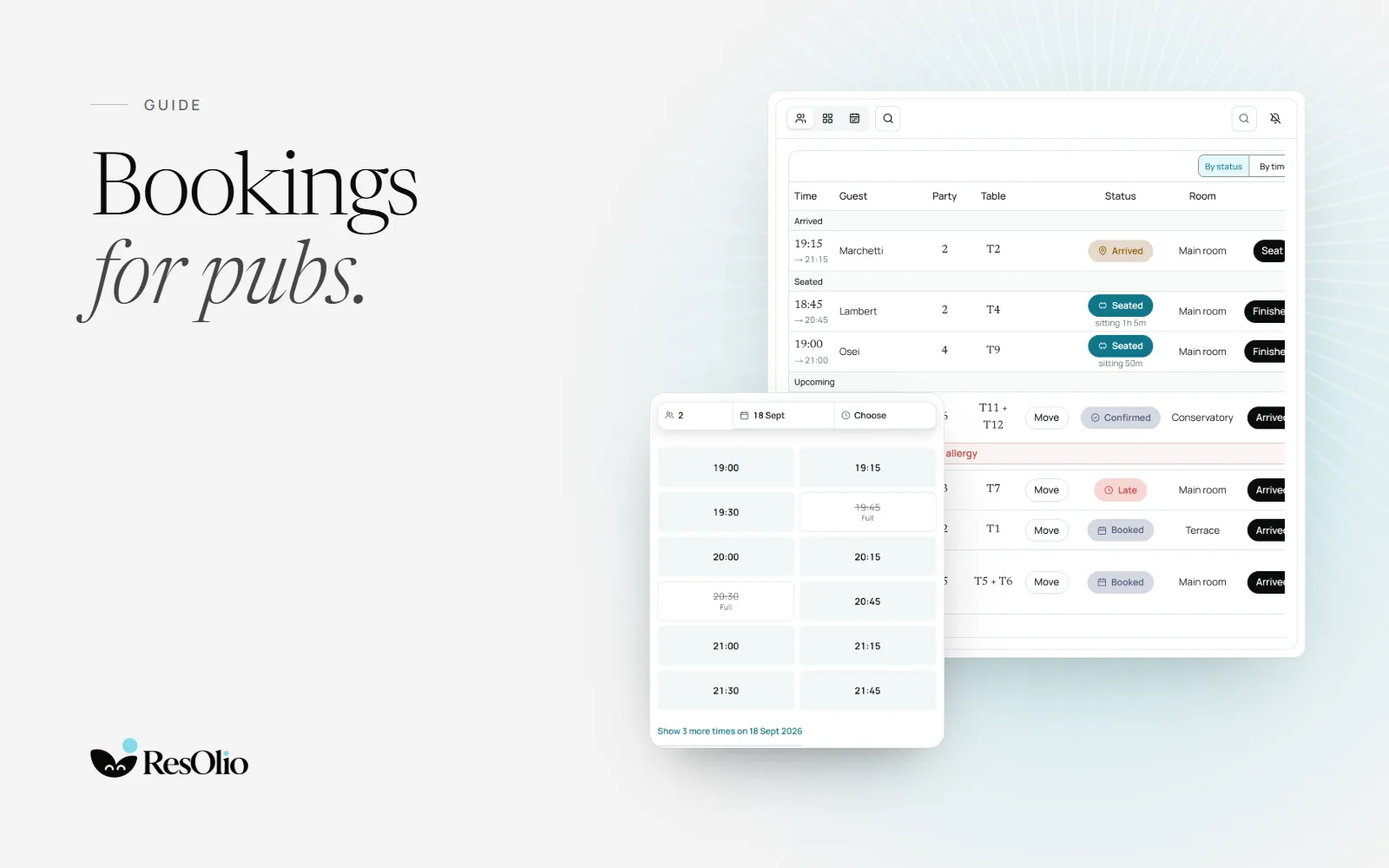
A pub is many places at once: a bar for people who drop in, a dining room for Sunday lunch, a long table for a birthday. A booking system should fit all of them, without making the regular at the bar feel unwelcome.
1. Draw your rooms as they are
Put each part of the pub on the floor map as its own room: the bar, the dining room, the garden. Give tables their real names and seats, and add the bar counter with its seats.


2. Push tables together for groups
Groups are what pubs book most. Save the tables you push together as a pair, and say how many it really seats. A group booking then takes both tables, and neither can be booked alone at the same time.
- Have large groups wait for your yes, so you can call them before you hold the tables.
- Keep a long table for the night with a table time set for large parties.
3. Keep walk-ins and bookings in one book
Most pub guests still walk in. Add them to the same book as the bookings, so the team sees which tables are free right now, and which are booked for later.
4. Run Sunday lunch in sittings
If you serve Sunday lunch in two sittings, close the gap between them to bookings. Guests who ask for a time in between are offered your sitting times instead.
- Set table times by party size, so a family lunch and a pint for two are each kept for the right time.
- Spread arrivals with a cap on the guests who can arrive in each quarter-hour.
5. Take a waiting list on busy nights
On a match night or a full Friday, take names at the door. Each party sees how many are ahead of them, and the next free table goes to the first party it fits.
How ResOlio helps a pub
Here is what each plan includes for a pub.
- Rooms, tables pushed together and bar seats, on every plan. See the floor settings.
- Walk-ins and phone bookings in the same book, on every plan. See walk-ins.
- A booking page and an embed for your website, on every plan. See the booking page.
- A reminder that asks the guest to confirm, from Starter (€39 a month). See booking statuses.
- Sittings, pacing and the waiting list, on Pro (€99 a month). See pacing and the waiting list.
- Several pubs on one account, on Enterprise. See restaurant groups.
Guests never pay to book, and no plan takes a commission. See ResOlio for pubs and the pricing page.
Questions
Can a pub take bookings and walk-ins at the same time?
Yes, on every plan. Staff add walk-ins and phone bookings to the same book as online bookings, so every table is in one place.
Can I book a large group across several tables?
Yes. Save the tables you push together and say what the pair really seats. A booking takes both, and neither can be booked alone at the same time.
Can I run Sunday lunch in fixed sittings?
Yes, on Pro. Close the time between your sittings, and guests who ask for a time in between are offered your sitting times instead.
Can I take deposits for big tables?
No. ResOlio takes no card from guests: they never pay to book. For a big table, have the booking wait for your yes, and call the guest.
Something wrong? Tell us
Take bookings with no fee per cover
Set it up in five short steps, with no card.