

The booking system that just works.
A restaurant reservation system for your own website: take bookings and run every table from one screen.


Take bookings on your own website.
Guests book on your own page, or from an embed on the website you already have, with no rival listed beside you.
See every table, live.
In your dashboard: Host: Walk-in for 4, seat them at T9 Olio: a card, Seat a walk-in, 4 guests: T9, with the button Seat walk-in Olio: Here it is — tap to apply. Host: taps Seat walk-in. Done
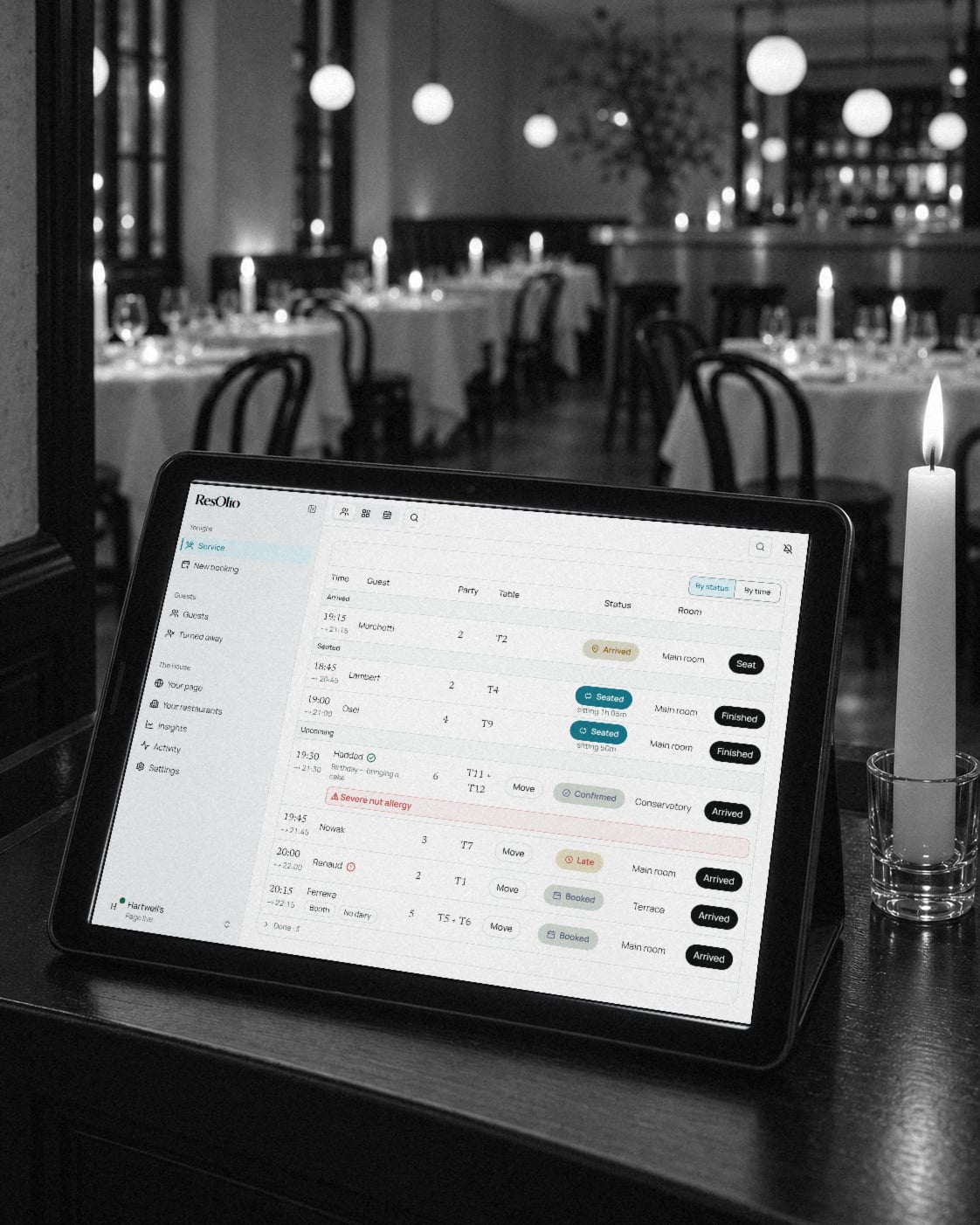
Run the night from one screen.
Bookings, walk-ins and your floor on all your tablets at once, with allergies flagged before the guest sits down.
Your guests get an app of their own.
ResOlio: Restaurant bookings keeps their tables and your restaurant in one place, on every plan, and a chat with you from Starter.

From Starter
Booking a table, as easy as a chat.
Guests book a table by chatting with Olio, your AI host, on your own booking page or on WhatsApp on Plus, and in your dashboard it helps your team.
On your booking page: Olio: Hi, I’m Olio. When would you like to come, and how many of you? Guest: Saturday around 8 for 4, it’s a birthday Olio: 20:00 is free for 4 people on Saturday 17 October. Tap it to hold it, or pick another time. Olio: free times: 19:30, 19:45, 20:00, 20:15, 20:30, 20:45 Guest: taps 20:00 Olio: a card, Saturday 17 October 2026 at 20:00 · 4 guests: It’s a birthday, Held for you until 19:13, with the button Book it Guest: taps Book it. See you Saturday 17 October 2026 at 20:00 Hartwell's · table for 4 guests
Insights
On Pro
See every guest you turned away.
Each guest who tried to book and could not is counted, with the reason: no table was free, or a limit you set yourself.
Made for places like yours.
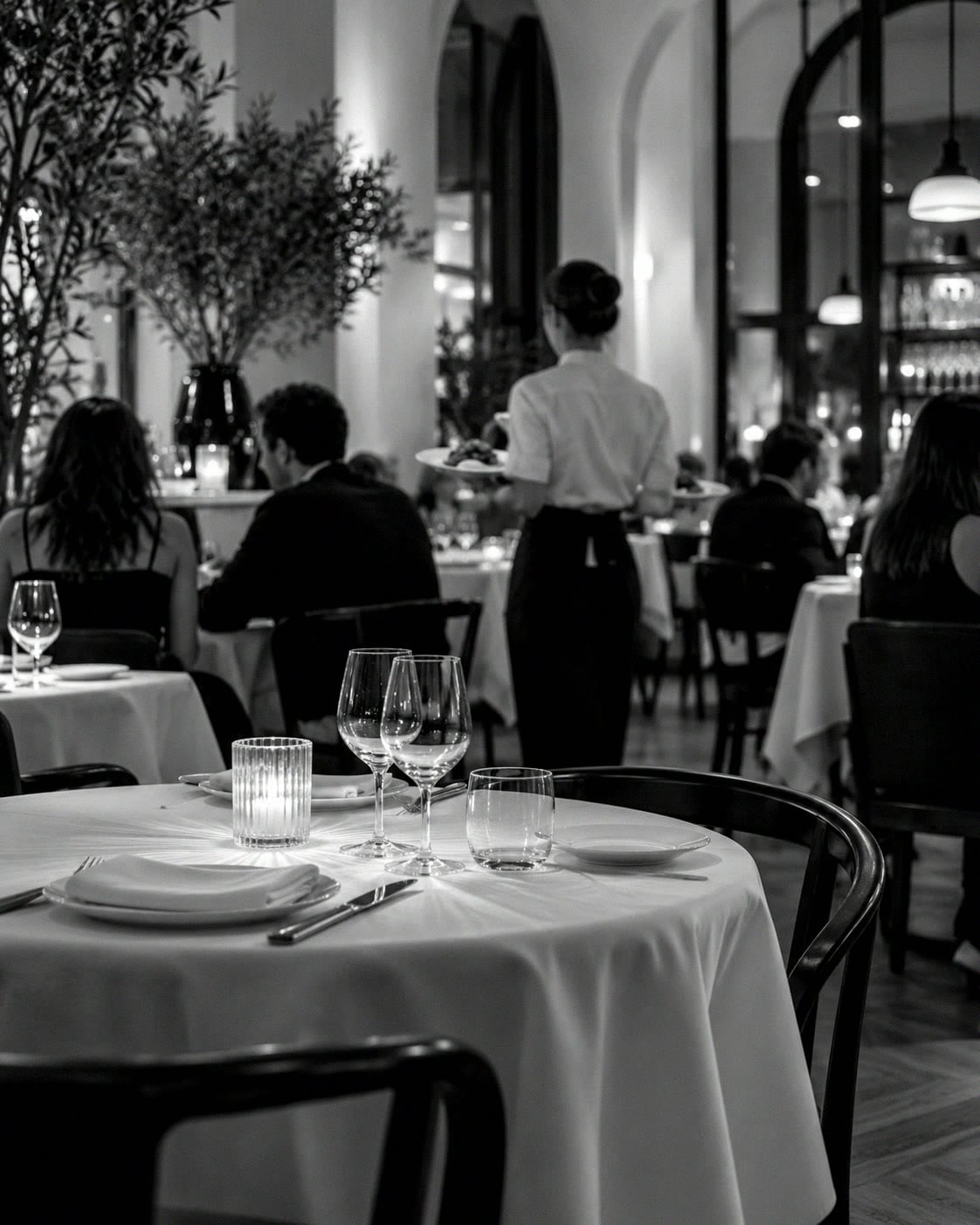
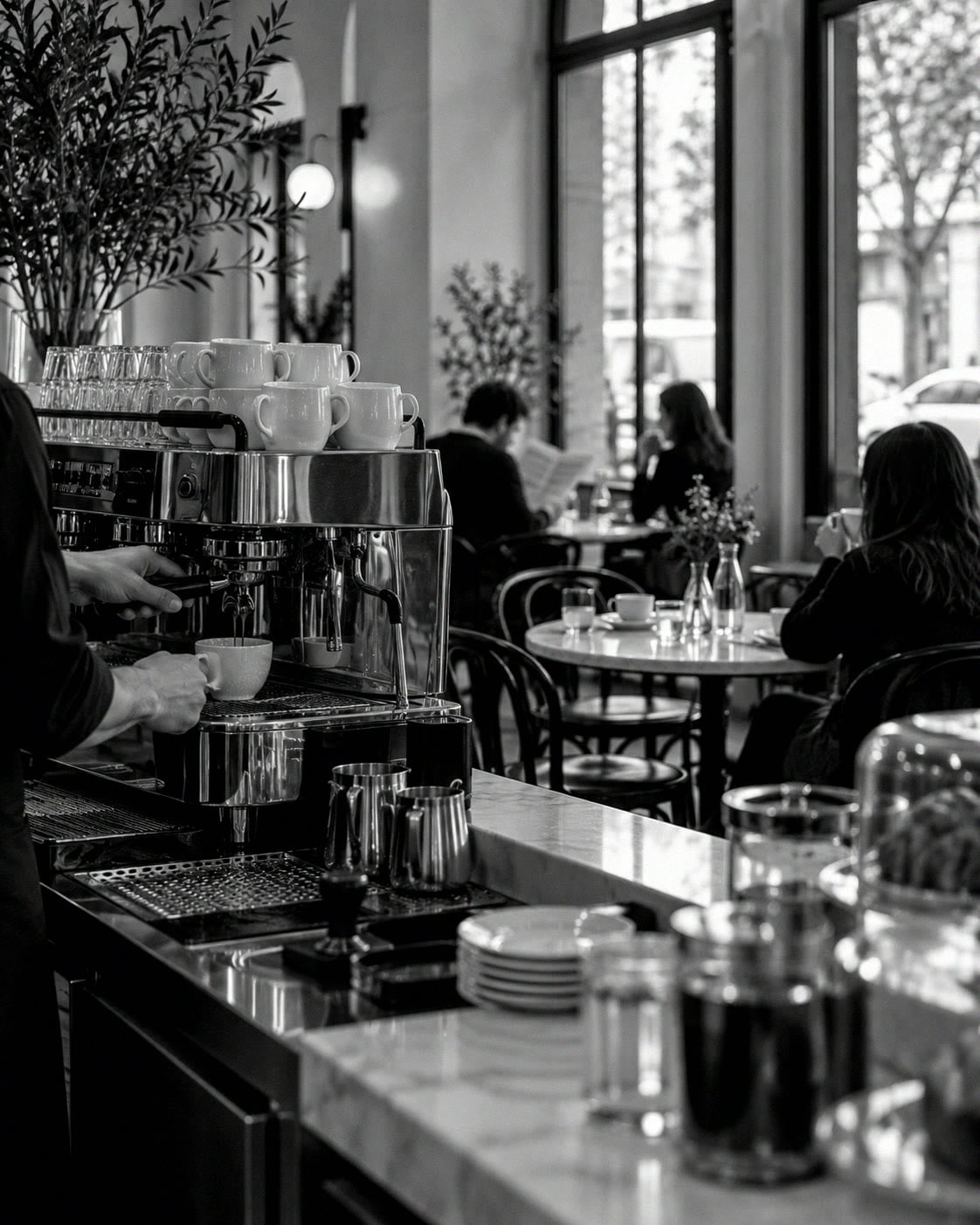
Restaurants, cafés, bars and pubs take bookings and seat walk-ins in the same book, on every plan.


Set up in three short steps.
Each step asks only what your booking page needs, and almost every answer can be changed later.
Step 1
Create your account
One login for the whole restaurant, with your email or Google.
Step 2
Set up your restaurant
Its name and address, your opening hours and your tables, and we draw the room.
Step 3
Take your first booking
Choose a plan, and your page opens with an embed ready for your website.
What a fee per cover would cost.
Marketplaces charge for every guest who books through them, €1.50 a cover on OpenTable; Plus costs the same however busy the month.
500covers / month
Move the slider to compare the monthly cost.
Monthly cost estimate
Based on 500 covers a month
OpenTable
Core: €169 a month + €1.50 a cover
€919
/ month
TheFork
About €2 a cover (our estimate; TheFork does not publish its rate)
≈ €1,000
/ month
SevenRooms
From $499 a month, as Software Advice lists it; by quote, plus a setup fee
≈ €443
/ month
ResOlio Plus · Recommended
One price, whatever the covers
€59
/ month

The team behind ResOlio: Hi Dev Mobile.
Meet the teamStart free. Grow into Pro.
Save up to 20% when you pay for the year
Free
Try it with your own guests
€0
No card needed
Includes
- 50 bookings a month About 2 bookings a day
- 2 tablets
- Tables and opening hours
- Basic insights
Starter
For a small restaurant
€32/month
€384 billed yearly · save €84
or €39 a month, billed monthly
Everything in Free, plus
- 500 bookings a month About 17 bookings a day
- Unlimited tablets
- Olio books on your page
- Message your guests
Plus
Recommended
For a growing restaurant
€47/month
€564 billed yearly · save €144
or €59 a month, billed monthly
Everything in Starter, plus
- 1,500 bookings a month About 50 bookings a day
- Olio books on WhatsApp
Pro
For a room that fills up
€79/month
€948 billed yearly · save €240
or €99 a month, billed monthly
Everything in Plus, plus
- Unlimited bookings No limit on any day
- Waiting list and pacing
- Guest profiles
- Your brand and own domain
Enterprise
Two or more restaurants or a franchise: we set everything up with you and tailor it to your group, at a price we agree.
Talk to usNeed something specific? We shape ResOlio around how you work, on Pro and Enterprise. Talk to us
Every plan includes
- Service screen and floor map
- English, French and Arabic
- Email confirmations and reminders
- Booking page and embed
- Walk-ins and phone bookings
We confirm the details with you before anything is charged.
Moving from another booking system?
On Pro, bring your guests and future bookings across from a file, and keep your old system running until you switch.
Questions owners ask first.
Can I set everything up before I pay?
Yes. Set your hours, your floor and your page before anyone can see them; nothing is public until you go live. On Free, going live costs nothing, and on a paid plan it is what you pay for.
How do I pay, and am I tied in?
Monthly or yearly, per restaurant, and you can cancel any time, though a yearly plan is not refunded. On Free there is nothing to pay; a group is priced with you, by how many restaurants it has and what it needs.
Do guests need an account?
No. A guest books with a name, an email address and a phone number, and ticks a box to let you keep those details. An account is the guest’s choice, never a condition of booking with you.