

How to take table bookings in a café
Most of your guests walk in. A few want to book. Here is how to say yes to both.
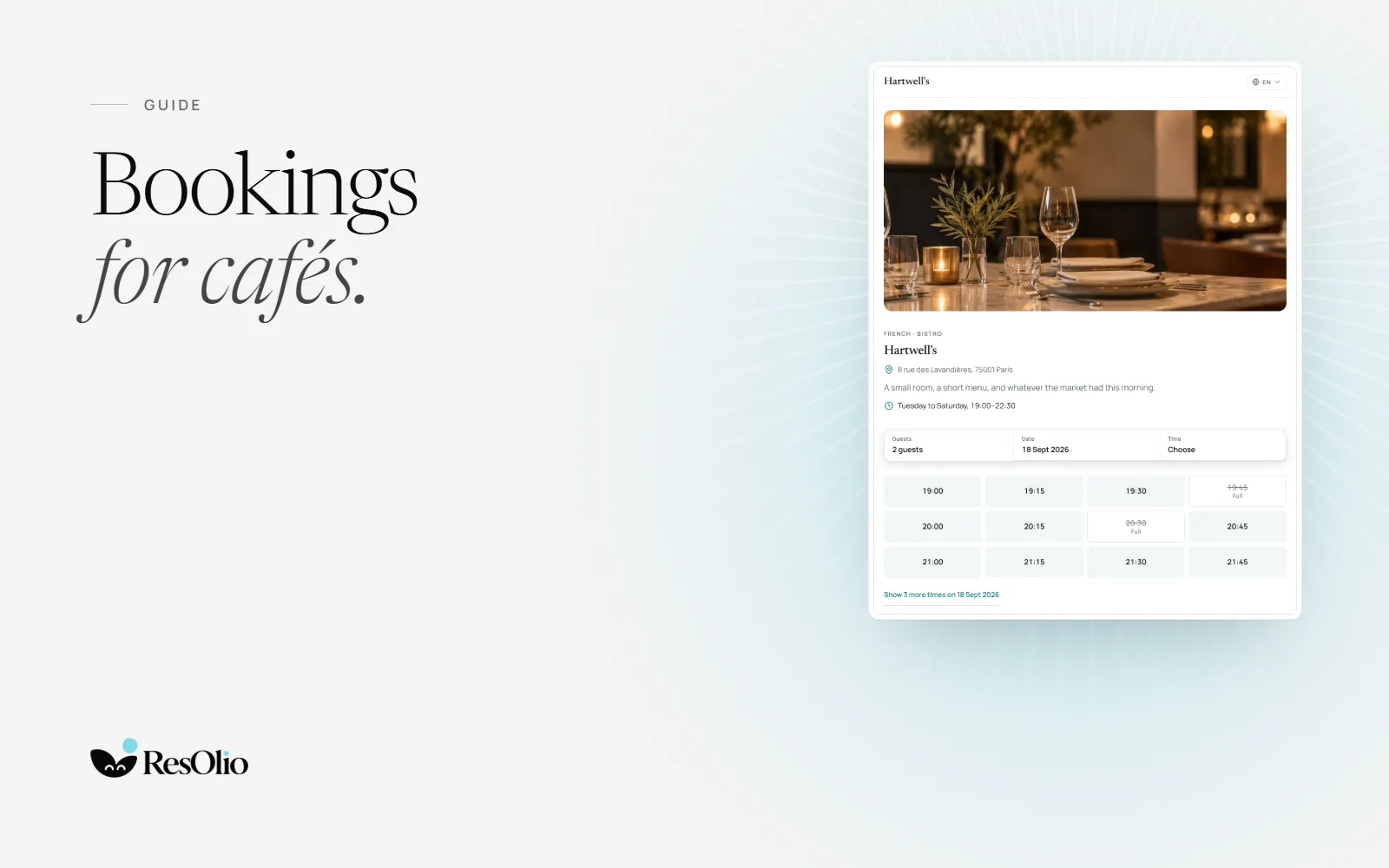
A café lives on the people who walk in. But some guests want a table they can count on: a brunch for six, a birthday coffee, a quiet hour to work. Taking those bookings well means never turning the door away to make room for them.
Should a café take bookings at all?
Not for every table, and not at every hour. Bookings suit the moments a café fills up: weekend brunch, a long lunch, a group. On a quiet Tuesday morning, the door is enough.
- Take bookings for the busy hours, and leave the quiet ones to walk-ins.
- Keep some tables for the door. Regulars who drop in should still find a seat.
- Take groups by booking. A table for eight is easier to plan than to improvise.
1. Keep bookings and walk-ins in one book
Two lists, a paper diary beside a booking app, is how a table ends up promised twice. Put walk-ins in the same book as bookings, and the whole team sees which tables are free right now.


2. Keep table times short, and set by party size
A coffee for two does not need the table a brunch for six does. Set how long a table is kept by party size and by service, so guests are offered times that match how your café really runs.
- Short for small parties, longer for groups and for brunch.
- Set how late guests can book online, so the last tables stay for the door.
- Let staff stretch a booking when a table is clearly staying longer.
3. Spread the brunch rush
When every booking lands at eleven, the kitchen and the coffee machine feel it. A cap on how many guests can arrive in each quarter-hour spreads bookings across the morning.
4. Keep a waiting list at the door
On a full Saturday, take names instead of turning people away. Each party sees where it stands, and the next free table goes to the first party it fits.
5. Let guests book where they find you
A guest who wants to book looks on your website, your map listing or your social profile. Give them one booking page you can link from all three, and an embed for your own website. Guests never pay to book.
How ResOlio helps a café
Here is what each plan includes for a café.
- Bookings and walk-ins in one book, on every plan. Staff add walk-ins and phone bookings beside the online ones. See walk-ins.
- Your floor, on every plan. Rooms, named tables, tables pushed together for a group, and a counter with seats a solo guest can book. See the floor settings.
- Table times by party size and service, on every plan. See how long a table is kept.
- A booking page and an embed for your website, on every plan. See the booking page.
- Messages, from Starter (€39 a month). Each booking has its own conversation with the guest.
- Pacing and the waiting list, on Pro (€99 a month). See pacing and the waiting list.
Free takes up to 50 bookings a month, which suits a café that books only its busy hours. No plan takes a commission. See ResOlio for cafés and the pricing page.
Questions
Does a café need a booking system?
Not every café does. One that fills up at brunch, takes groups or gets asked for tables on the phone saves time with one: bookings and walk-ins in one book, and no table promised twice.
Can I take bookings and still keep tables for walk-ins?
Yes. Set how far ahead and how late guests can book online, and leave the counter seats off your booking page if you want them for the door. On Pro, pacing can cap only what is booked online, so the rest stays for walk-ins.
Do guests pay to book a table at my café?
No. Guests never pay to book, and ResOlio takes no commission: you pay one flat price per café, and Free costs nothing. Running several? Talk to us: we price it by how many you have and what you need.
Does it suit a small café with a few tables?
Yes. Free takes up to 50 bookings a month on two tablets, and you move to a bigger plan only when you need more.
Something wrong? Tell us
Take bookings with no fee per cover
Set it up in five short steps, with no card.