

How to take restaurant bookings on Instagram and Google
One link to your own booking page, on your profile, your Google listing and in every reply.
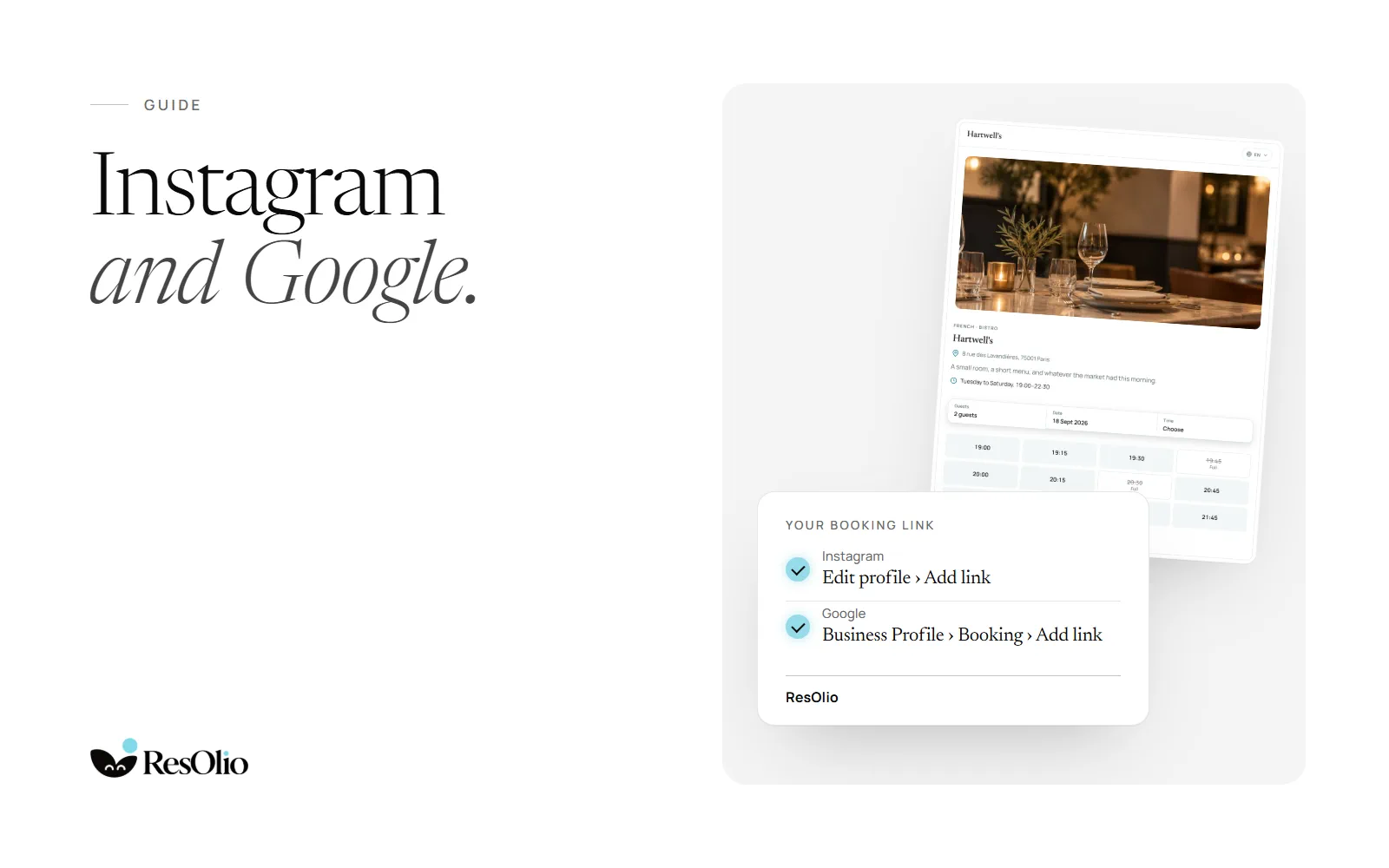
ResOlio gives your restaurant its own booking page, on every plan, Free included. Its link works anywhere a guest finds you: your Instagram profile, your Google listing, your website and a reply to a message. Here is where to put it, step by step.
One booking link for everywhere
Your booking page shows your free times and takes the booking, with a confirmation and a reminder by email. Copy its address from the office once, and use the same link on every channel. Guests never pay to book, and you pay no fee per cover. See the booking page.
Instagram: your booking link on your profile
Open your profile
In Instagram, go to Edit profile › Add link.
Paste your link
Paste your booking page’s address.
Name it
Give it the title “Book a table”, so guests know what it does.
Use the same link elsewhere on Instagram too. Add it to a story when you open new dates. When someone asks for a table in a message, reply with the link: they pick a time and book on your page.
Google: the booking link on your Business Profile
Open your profile
On Google, open your Business Profile › Booking › Add link.
Paste your link
Paste your booking page’s address, and save.
Check it
Search for your restaurant and tap the booking link, as a guest would.
Your Business Profile is what guests see when they find you on Google Search and Maps, so the link is there when they decide.
Your website: the embed
On your own website, add the embed: copy the embed code onto your site, and guests book without leaving it. Add online booking to your website.
WhatsApp: Olio takes the booking
On every plan, paste your booking link into a WhatsApp reply. On Plus, Olio, the AI host, takes the booking on WhatsApp for you, in the guest’s language. Meet Olio.
See where your bookings come from
Basic insights, on every plan, show your covers and where each booking came from: your booking page, the embed on your website, the phone or a walk-in. A booking made through your link shows as a booking from your page, wherever the guest tapped it.
Your page speaks English, French and Arabic on every plan, Arabic right to left, so the same link works for every guest who taps it.
Questions
How do I add a booking link to Instagram?
Go to Edit profile › Add link, paste your ResOlio booking page’s address and give it the title “Book a table”. Every plan includes the page, Free too.
How do I add a reservation link to Google Maps?
Open your Business Profile › Booking › Add link, and paste your booking page’s address. Your profile shows on Google Search and Maps.
Does the booking link cost anything?
No. ResOlio gives you your booking page and its link on every plan, Free included, with no fee per booking and no fee per cover.
Can guests book from an Instagram message?
Reply with your booking link. The guest picks a time and books on your page, and gets a confirmation by email.
Do guests pay to book through my link?
Never. No deposit, no card at booking and no no-show fee, and you pay no fee per cover.
Something wrong? Tell us
Take bookings with no fee per cover
Set it up in five short steps, with no card.